End-to-end encryption by default
Messages sealed on-device before they leave — not an optional mode.
 BlinkYes
 WhatsAppYes
 SignalYes
 TelegramPartial
Most apps encrypt the message body and stop there. Blink is built for teams who need ciphertext-only servers, device control, and defenses for the moment a phone is seized — not just a padlock icon in the chat header.
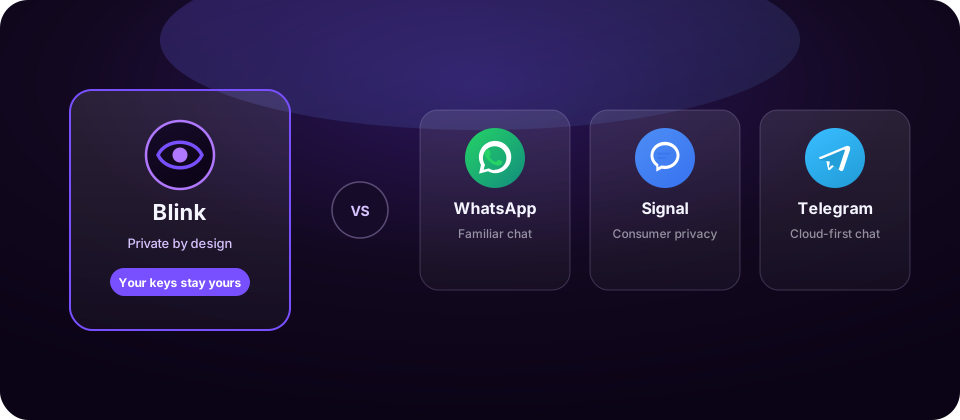
The difference
WhatsApp, Signal, and Telegram each solve part of the privacy problem. Blink is for the rest — keys that never leave your devices, Spaces with real roles, and tools designed for coercion, seizure, and screenshots.
Ciphertext-only servers
Anti-keylogger keyboard
Remote wipe & screen guard
Duress wipe & Secure Locker
Side by side
An honest matrix of what ships today. “Partial” means available with limits, optional modes, or weaker guarantees. “Coming soon” is on Blink's roadmap and badged as such.
Messages sealed on-device before they leave — not an optional mode.
BlinkYesWhatsAppYesSignalYesTelegramPartialServers store scrambled ciphertext, never keys that can read your content.
BlinkYesWhatsAppPartialSignalYesTelegramNoSign up with nothing to trace — Blink opens with a 24-word recovery phrase instead.
BlinkYesWhatsAppNoSignalNoTelegramNoCompromised keys can't reopen an unbounded past.
BlinkYesWhatsAppYesSignalYesTelegramPartialA 6-digit PIN each time the app opens, and the phone apps lock again as soon as you switch away.
BlinkYesWhatsAppYesSignalYesTelegramYesYour own keyboard takes over so the system keyboard never watches keystrokes.
BlinkYesWhatsAppNoSignalNoTelegramNoBlocked on Android, blank on iPhone, and chats hidden in the app switcher on both.
BlinkYesWhatsAppNoSignalPartialTelegramNoRemove a lost phone in Manage Devices: it's signed out, its access is revoked, and its Blink data is wiped.
BlinkYesWhatsAppPartialSignalPartialTelegramPartialEnter your PIN backwards: Blink wipes that phone, locks your account, and signs out your other devices. No alert.
BlinkYesWhatsAppNoSignalNoTelegramNoAfter 5 wrong PINs, Blink wipes itself from that device.
BlinkYesWhatsAppNoSignalNoTelegramNoSlide to lock: the account locks, every device signs out, and the phone in hand is wiped. Unlock from the web.
BlinkYesWhatsAppNoSignalNoTelegramPartialLocker files (filenames included), Vault notes, and your Passbook encrypted on your device before they're saved.
BlinkYesWhatsAppNoSignalNoTelegramPartialIsolated workspaces with real roles: admin, owner, member.
BlinkYesWhatsAppNoSignalNoTelegramPartialExtra seal on the highest-risk conversations.
BlinkYesWhatsAppNoSignalNoTelegramNoHide the messenger behind an ordinary home-screen icon.
BlinkYesWhatsAppNoSignalNoTelegramNoMessages that vanish after 5 minutes, 10 minutes, 24 hours, 7 days, or 90 days.
BlinkYesWhatsAppYesSignalYesTelegramYesTag a message as a transaction: neither side can delete it, and the other can accept or decline.
BlinkYesWhatsAppNoSignalNoTelegramNoSame guarantees wherever you sign in — Android, iPhone, Windows, Mac, and the web dashboard.
BlinkYesWhatsAppYesSignalYesTelegramYesCompetitor capabilities summarized from public product behavior. Always verify against each vendor's current docs for your threat model.
Comparing Threema, Session, Viber, or WeChat instead? Open Compare Global →
Where Blink pulls ahead
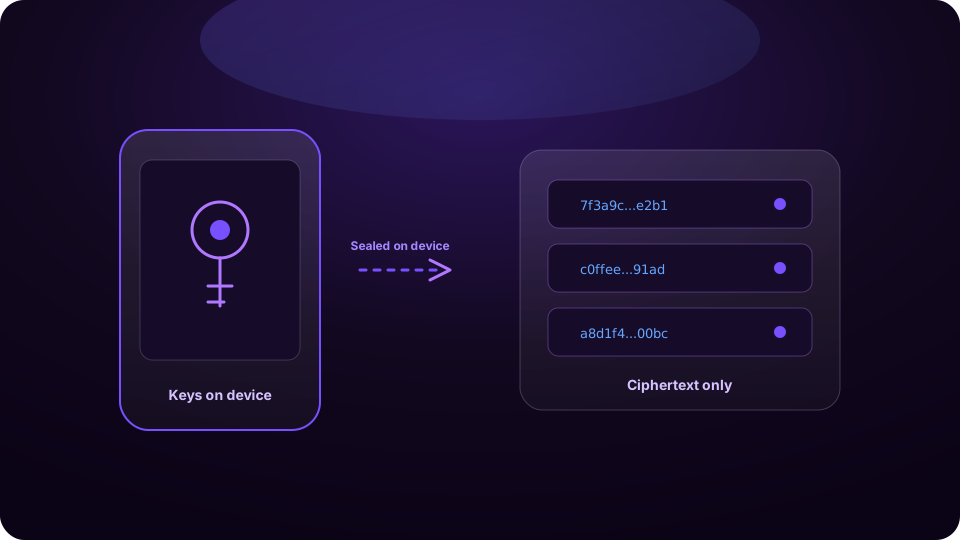
Blink seals every message and file on your device before it's sent. Keys are agreed and derived on the device. Our servers store only ciphertext — there is nothing readable on our side to leak, steal, or hand over.
How encryption works →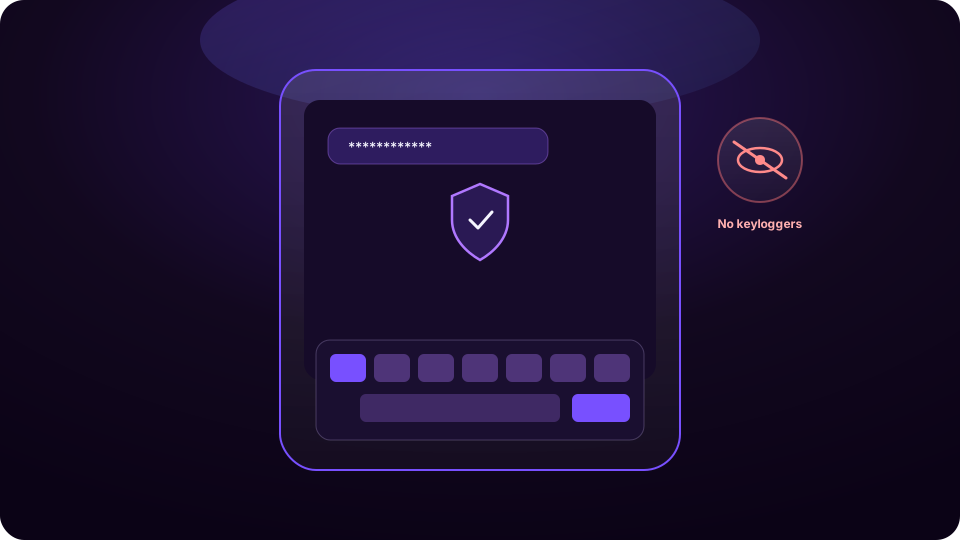
On phones, Blink types with its own built-in keyboard by default, so keyboard apps and OS-level capture don't get a free look at your passphrase, PIN, or message. Prefer your phone's keyboard? Switch in Settings → Security.
See the keyboard →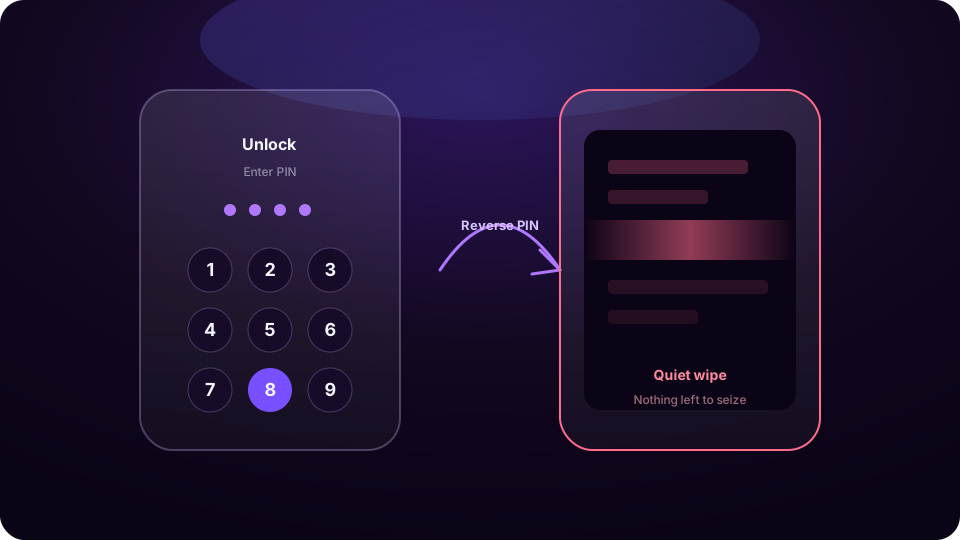
Reverse-PIN duress wipe, space lock, remote wipe, and screen protection are designed for journalists, legal teams, and anyone who cannot afford a seized device to become a breach.
Explore duress defense →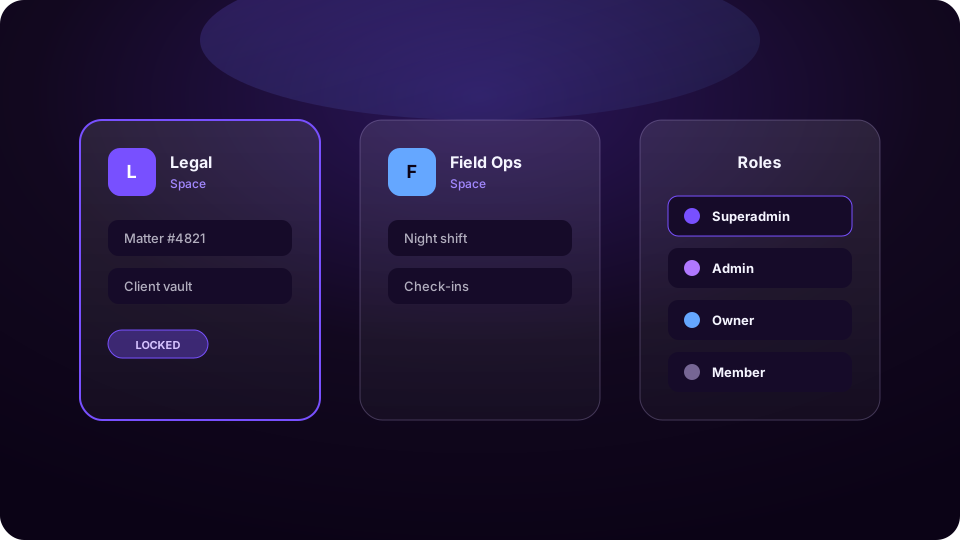
Multi-tenant Spaces isolate teams with admin, owner, and member roles. Guarding and space lock keep the highest-risk rooms sealed — even when the app is open.
Learn about Spaces →Who chooses Blink
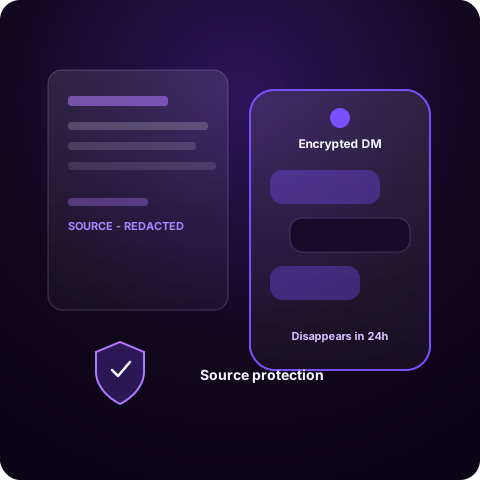
Protect source conversations with ciphertext-only storage, disappearing messages, and a duress wipe if a device is seized.
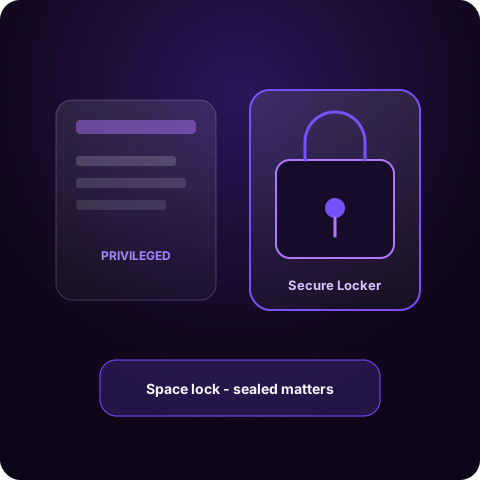
Keep privileged files in the Secure Locker — encrypted on your device, filenames included, before they're saved — and seal high-risk matters behind space lock.
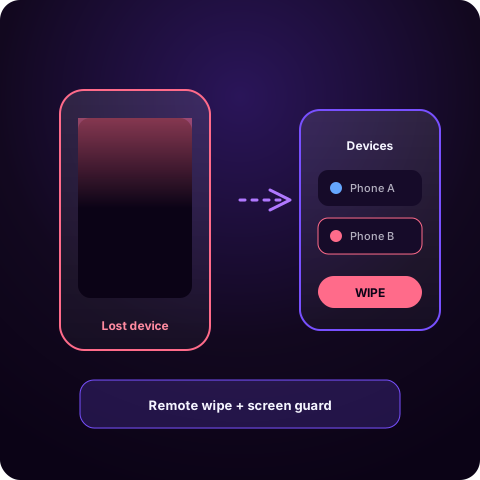
Remote wipe and device management mean a lost phone doesn't become a leak. Screen protection blocks opportunistic captures.
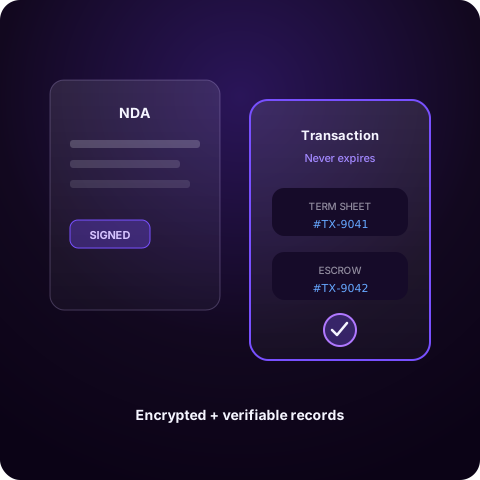
Transaction messages create immortal, encrypted records for the exchanges that must remain verifiable.
At a glance
Use this page to brief a security team or board. Blink wins on device control, duress defense, Secure Locker, and Spaces — not on being the largest chat network.
BlinkPrivate by design — ciphertext-only servers, device control, and defenses for high-stakes moments.
WhatsAppMassive reach and familiar chat — encryption for messages, but metadata and ecosystem trade-offs remain.
SignalStrong consumer privacy defaults and open protocols — lighter on enterprise Spaces and device controls.
TelegramFeature-rich cloud chat — secret chats are optional; cloud chats are not end-to-end encrypted by default.
We'll walk your team through encryption, remote wipe, duress wipe, and Spaces — using the real product, not slides.
Stop compromising between familiar chat and real device control. Put Blink next to the messengers you already know — then decide.